Learn any song, straight from the video.
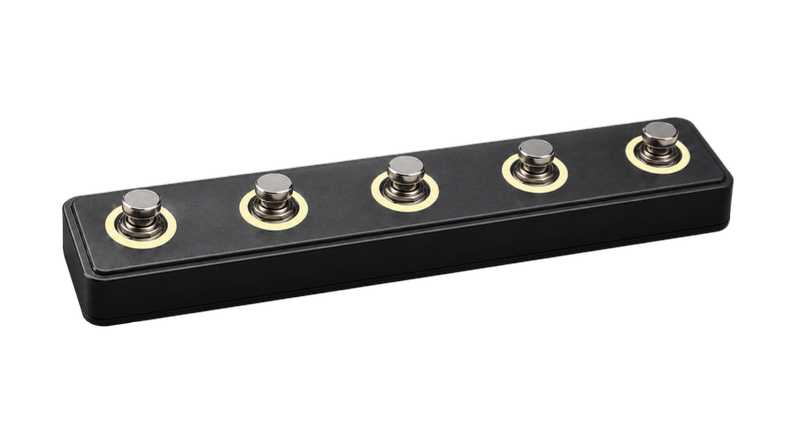
One app on your phone, tablet, and computer. With any foot switch so you never take your hands off the instrument.
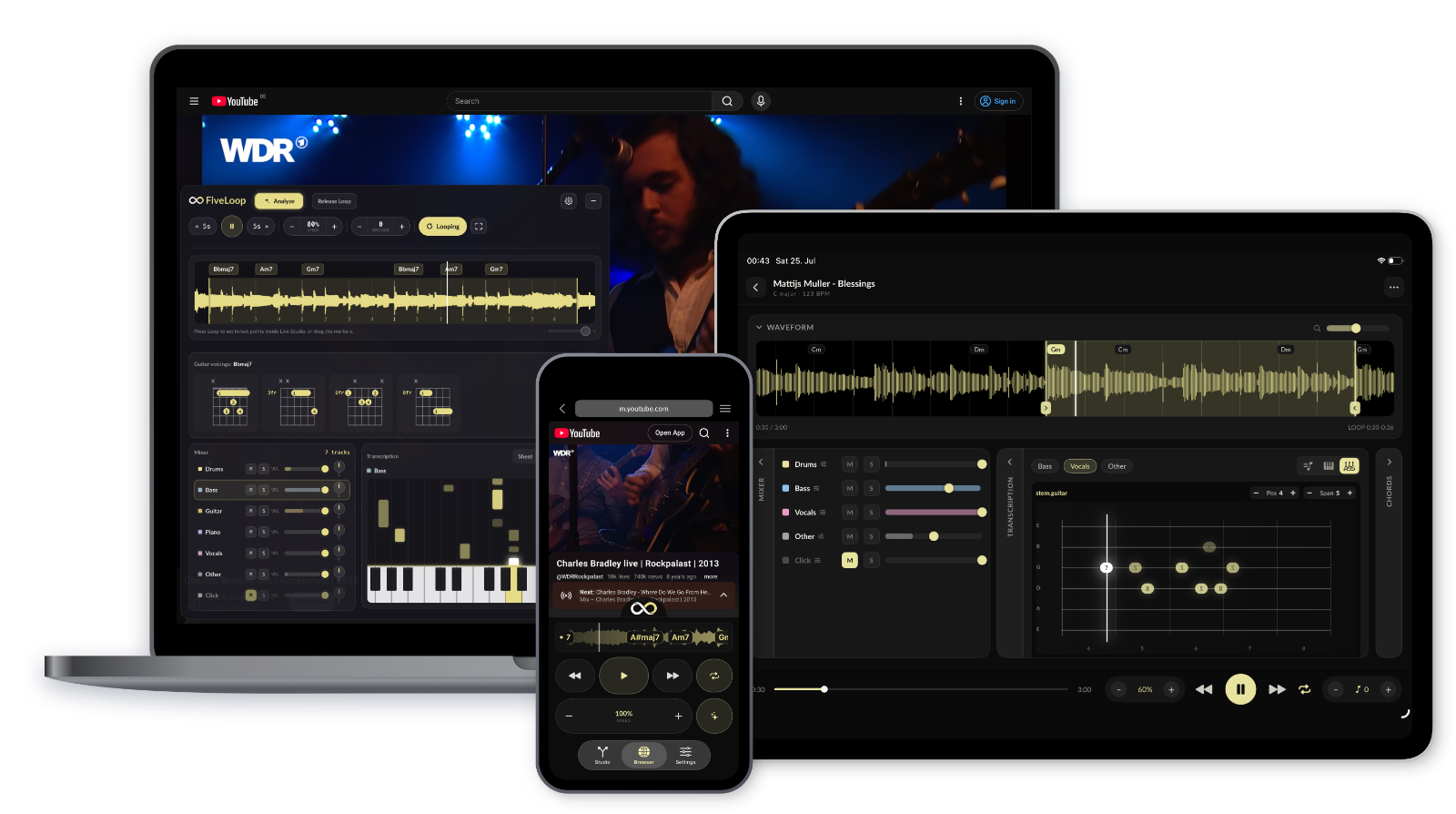

A looper pedal for any video.
Find the difficult passage, set an A/B loop, and slow it down until your fingers catch up. You decide which websites FiveLoop runs on — and it's free, with no limits.
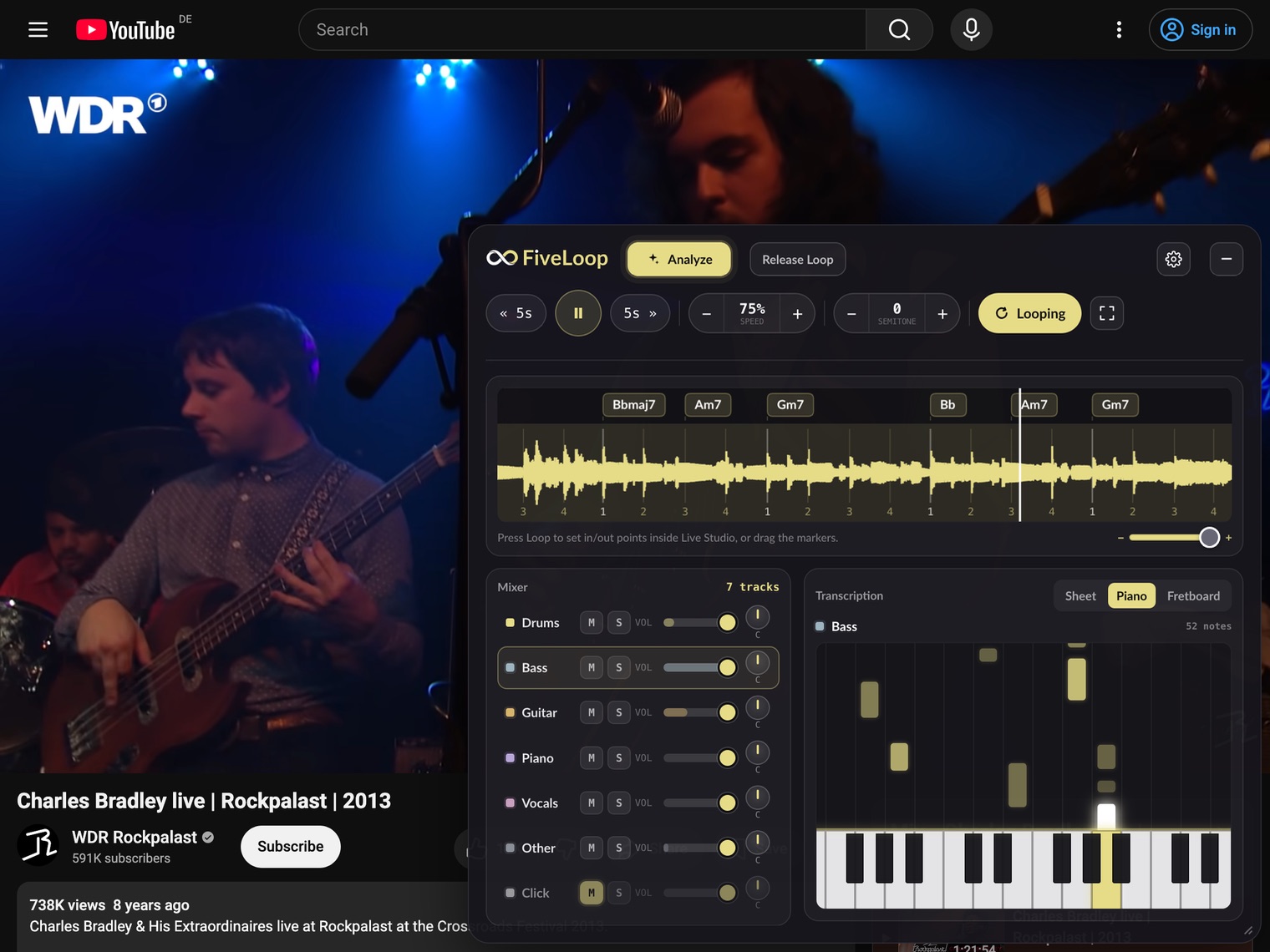
Loop any passage
One press sets the loop in point, a second sets the out point. A third clears it.
Slow it down
Adjust the tempo in 5% or 1% steps without changing the pitch — then work back up to full speed.
Change the key *
Transpose the pitch in semitone steps to match your tuning — or your voice.
Stay in control
Play, pause, and jump 5 seconds back or forward — without touching the mouse.
Shown here in the mobile app — the same looper runs as a browser extension for Safari, Chrome and Firefox.
* Changing the key is available in Chrome and Firefox.
Your hands stay on the instrument.
Map every control to a keyboard key or a MIDI command. Use any foot switch that sends keystrokes or MIDI — over Bluetooth or USB — and loop, slow down, and rewind mid-phrase without stopping.
Works with the keyboard you already have. No pedal required.
See the chords as it plays.
Turn on live chord estimation and the progression appears right over the video — nothing to capture, nothing to upload. Follow along, or freeze the loop when a change catches your ear.
In the browser, the free FiveLoop desktop app for Mac & Windows does the listening for the extension.
Put the loop under the microscope.
Send a loop to Live Studio and it lands on a beat grid — with precise looping, chords, every instrument as its own stem, and a note-for-note transcription of each one.
Loop with precision
Beat detection lays a grid over the loop — set points on the beat, not near it, with a metronome that stays locked at any speed.
Split into stems
Mute the guitar and play its part yourself, or solo the bass in the mixer to hear exactly what it does.
Follow every note
Each stem transcribed as sheet music, piano keys, or on the fretboard.
Any key, any speed
Pitch-shift the whole loop to your tuning and slow it down while everything stays in sync.

"Live" means captured as it plays: audio is only captured when you start an analysis, and everything is processed locally on your device. Nothing is uploaded, stored, or shared.
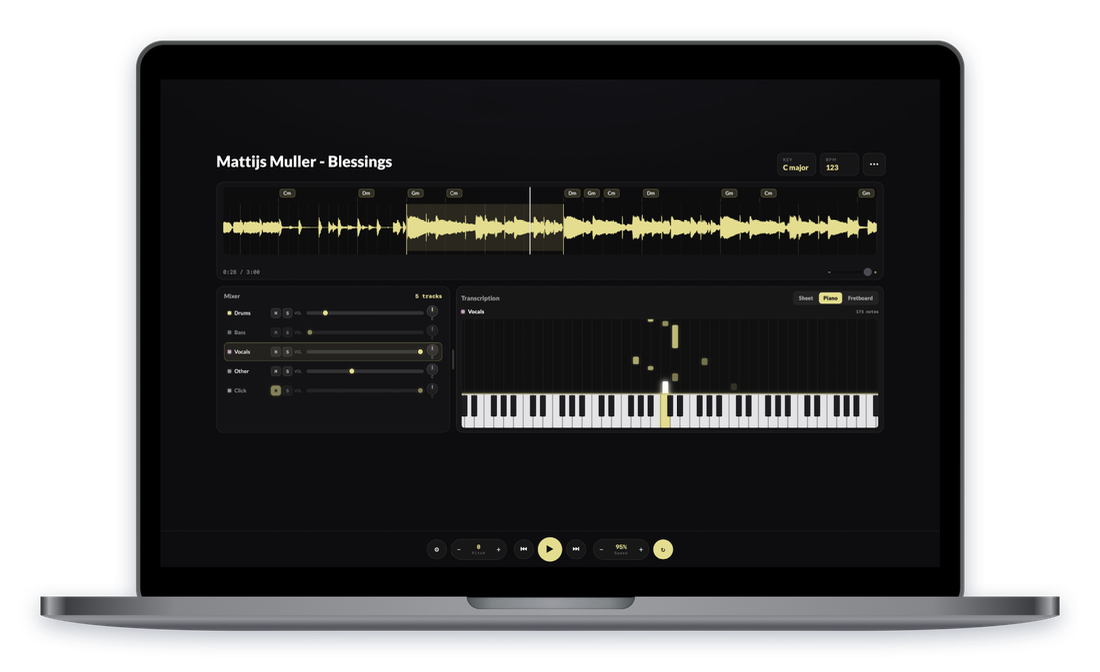
Bring your own files.
Upload a track to FiveLoop Studio and get everything above on the whole song — stems, chords, transcription, tempo and pitch, foot-switch control — from any device, with your analyses synced to your account.
Wherever you practice.
Free to download, free to loop — the same account everywhere.
iPhone, iPad & Android
Everything in one app — browser and Studio, optimized for phone and tablet.


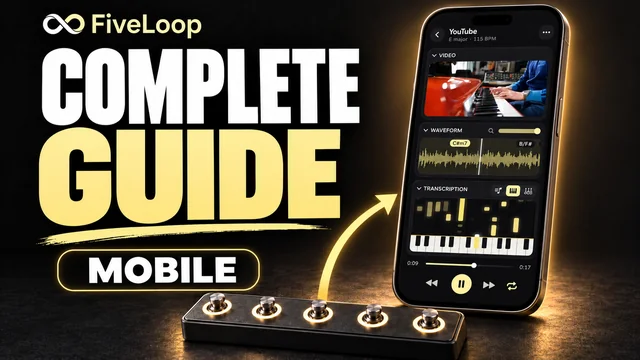 Watch the mobile guide
Loops, MIDI, stems & transcription.
English video · YouTube ↗
Watch the mobile guide
Loops, MIDI, stems & transcription.
English video · YouTube ↗
Extension + desktop app
The extension puts the looper on the video. The free desktop app listens alongside it and adds live chords and Live Studio.*
Safari, Chrome & Firefox.
Safari: the extension is bundled with the Mac app — install that and you're done.


Runs in the background.
The Mac download includes the Safari extension.

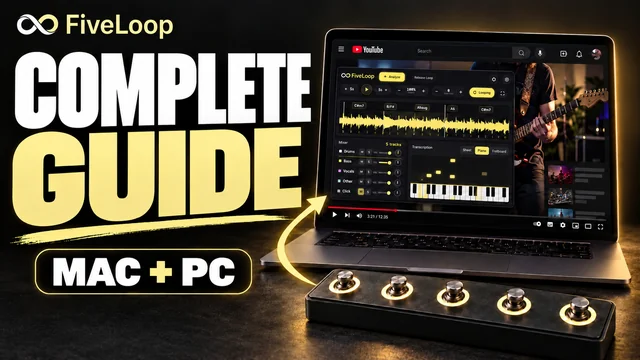 Watch the Mac & PC guide
Installation, MIDI, stems & transcription.
English video · YouTube ↗
Watch the Mac & PC guide
Installation, MIDI, stems & transcription.
English video · YouTube ↗
Studio on the web
Open any song you've analyzed from any device, straight in the browser.
What runs where
One account, every platform. Here's what each one does.
| FEATURE | iPhone, iPad & Android |
Browser extension |
Studio on the web |
|---|---|---|---|
| Loop, slow down & transpose any web video | ✓ | ✓ | — |
| Foot switch & key / MIDI mapping | ✓ | ✓ | ✓ |
| Live chords over the video | ✓ | ✓* | — |
| Live Studio — beat grid, stems, transcription | ✓ | ✓* | — |
| Upload your own audio files | ✓ | — | ✓ |
* Live features in the browser need the Mac or Windows desktop app running alongside: the extension captures the audio, the desktop app analyzes it locally on your device.
One subscription. Every stage of practice.
Looping, speed, and pitch are free and unlimited on every platform — forever. Premium unlocks full Studio and Live Studio analysis.
Free
Everything you need to start.
Premium
Prices in Germany
Prices may vary by country due to local taxes. Currency conversion may affect the amount charged.

The hands-free practice tool for musicians who learn from video and audio.